I'll learn your language, but I won't touch your stupid keyboards.
• by Alec Dorrington
Using AutoHotkey to type special German characters with a US keyboard layout.
Umlauts?
ä, ö, ü
German uses a mostly standard latin alphabet $(a, b, c, \dots)$. However, many langauges (including German) add diacritics to the tops of their letters (often vowels) to change the sound slightly; for example French has millions of them: $à, â, ç$ and so on. In German, there are three such cases; pairs of dots known as umlauts sitting atop $ä$, $ö$, and $ü$. These originally came from $ae$, $oe$, and $ue$, which morphed into $\overset{e}{a}$, $\overset{e}{o}$, and $\overset{e}{u}$, and then finally into the current form.
What’s the problem?
Keyboards can only have so many keys…
Like many others around the world, I use a US keyboard layout (QWERTY). Since Americans only ever speak American, they have no use for weird foreign symbols like $Ä$. The letters with umlauts are thus nowhere to be seen. Since I live in Switzerland, I do occasionally need to type strange sentences like “D Chüeh göönd id Schüüre”. The US keyboard layout is otherwise great* though, so I’m unwilling to give it up.
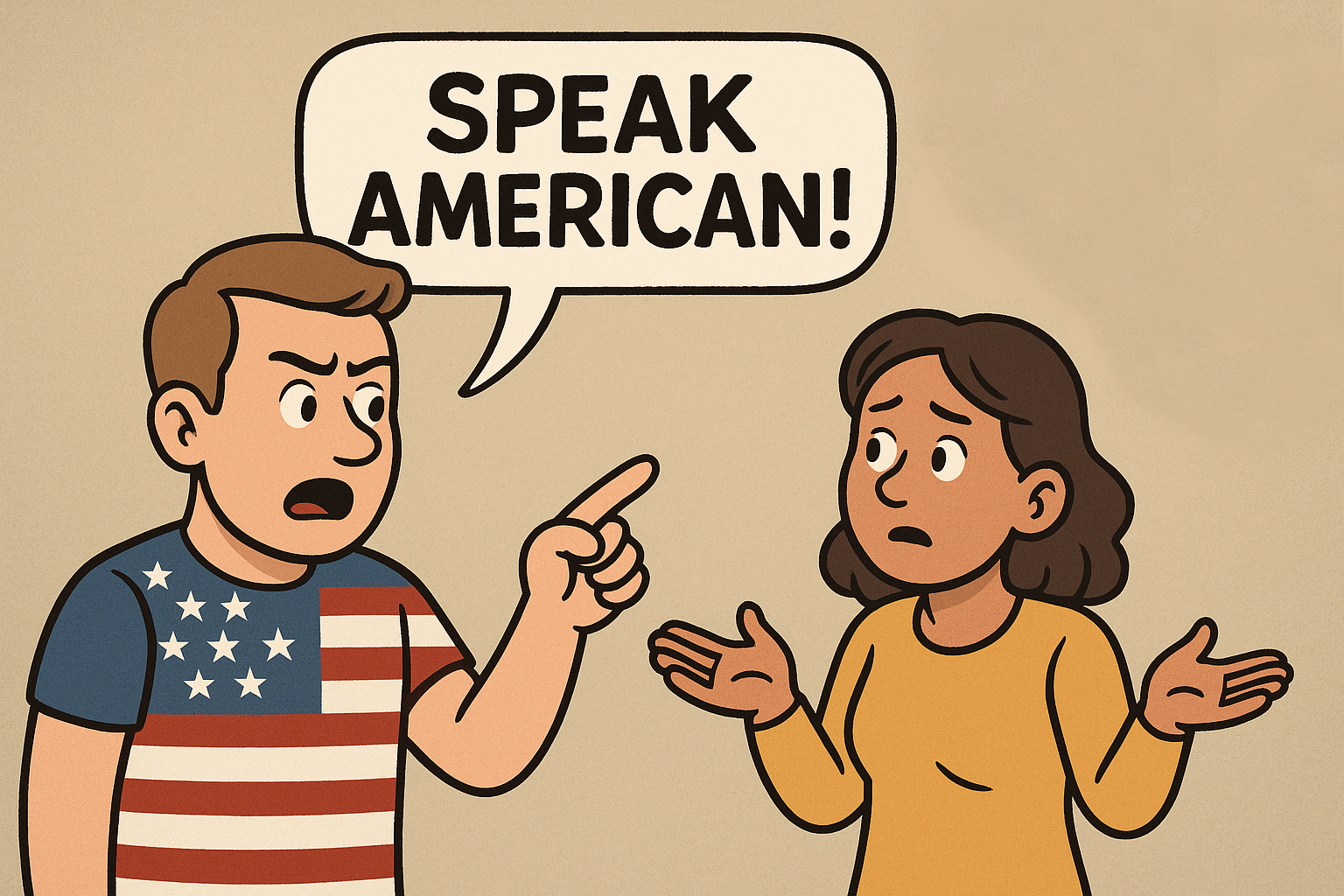
*great is defined as that with which I am proficient through repeated exposure.
Bad solutions
German keyboards
Native German speakers get around this problem by using their own special keyboard layout, with all the umlauts you could wish for. The issue is that a German keyboard does far more than just offer umlauts: they swapped $Y$ and $Z$ for no reason, they jumbled up all the extra symbols, and a bunch of other funky stuff. Also, I don’t own a German keyboard.
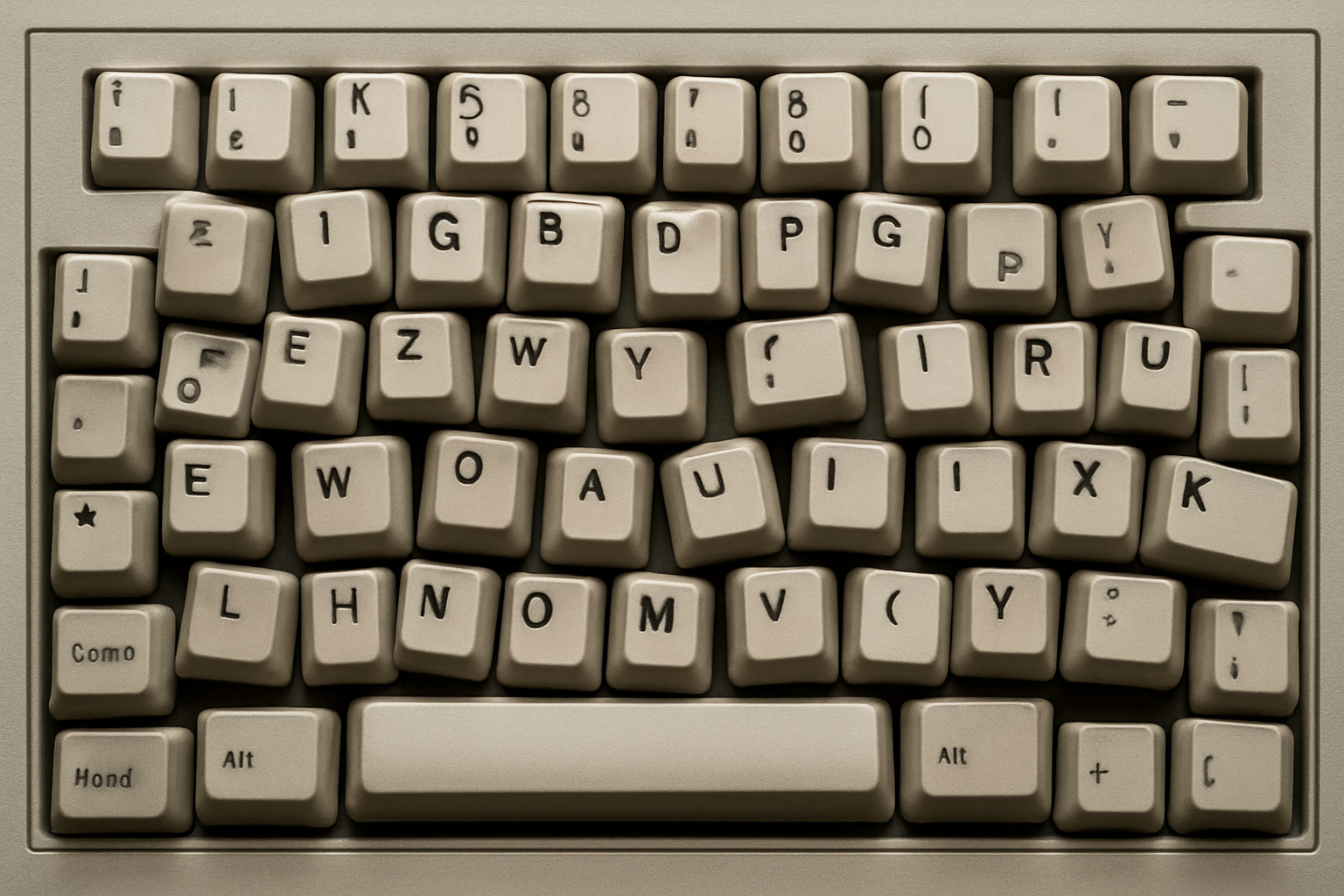
A surprisingly accurate depiction of a German keyboard by ChatGPT.
International US layout
There exists an international version of the US layout, which exists to solve problems such as this; one just needs to select it in software. The issue is that it completely breaks the way quotation marks $\langle"\rangle$ are typed. To write $\langleÖ\rangle$, one first types $\langle"\rangle$, followed by $\langle{O}\rangle$. This is fine, but if I actually want quotes, which I often do, I have to press $\langle"\rangle$ twice, and suddently two pairs appear at once: $\langle""\rangle$. After just the first press, no quote appears. This obviously will not do, especially for programming. Similar problems also exist for other layouts such as that of the UK, and I certainly don’t need a pound key $\langle£\rangle$.
The stupid approach
For a while, I would even go to the Wikipedia pages for umlauts to copy and paste the symbols when I needed them. Clearly, this is inefficient - especially since Windows comes pre-packaged with Character Map for such cases. One might also point out how there are shortcuts for typing special characters if you remember their Unicode embedding - but who does?
A self-portrait of me.
The easy fix
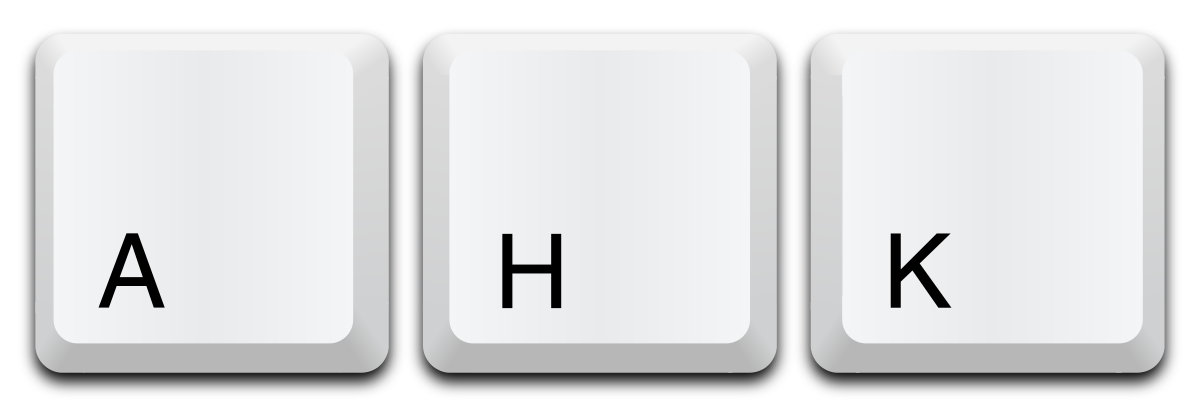
AutoHotkey is a popular tool for creating custom keyboard macros (only in Windows). The solution to our little dilemma was very simple in the end; we just needed to write a quick script. I decided that $ALT$ was the best choice (for me personally) to type a letter with an umlaut, for instance $ALT+A$ produces $Ä$.
Capital() {
  return GetKeyState("Shift", "P") ^ GetKeyState("CapsLock", "T")
}

!*a::SendText Capital() ? "Ä" : "ä"
!*o::SendText Capital() ? "Ö" : "ö"
!*u::SendText Capital() ? "Ü" : "ü"
!*s::SendText Capital() ? "ẞ" : "ß"
In the above, we have a line for each of $\langle{a}\rangle, \langle{o}\rangle, \langle{u}\rangle$. I’ve also included Eszett $\langleß\rangle$, since it might be useful to some, but in Switzerland it isn’t relevant because they write $\langle{ss}\rangle$ instead. For some reason, to AutoHotkey, $\langle!\rangle$ means $ALT$, and $\langle*\rangle$ means “this should work even if some other keys are currently being held down too”. Pretty obvious, hey?
We also introduce a $Capital()$ function to determine whether the symbol should be lower or upper case. We combine $SHIFT$ and $CAPSLOCK$ detection with $\langle$^$\rangle$, meaning $XOR$ (exclusive or). $XOR$ is used instead of $OR$ for consistency with other keys, where holding $SHIFT$ with $CAPSLOCK$ on will trigger lower case again. And yes, since 2017, $\langleß\rangle$ does indeed have an “official” upper case version!
How can I use this?
I hope that this will be useful to others in a similar situation to myself, perhaps those who have moved to the German-speaking world from afar. To use this (Windows only), follow these simple steps:
- Download and install AutoHotkey v2.0 (not v1.1 or it won’t work).
- Copy and paste the above script into a new file (with any name), with the extension ‘.ahk’.
- Optionally modify it if you want different keyboard shortcuts, using this guide.
- Put the script into your startup folder, so that it always loads on reboot.
- Run it (double click), or restart your computer.
Thereafter you can enjoy easy access to umlauts, without even having to compromise on keyboard layout! This should’ve been simpler, no?